How do you troubleshoot a control valve that hunts only under automatic mode but behaves normally in manual?
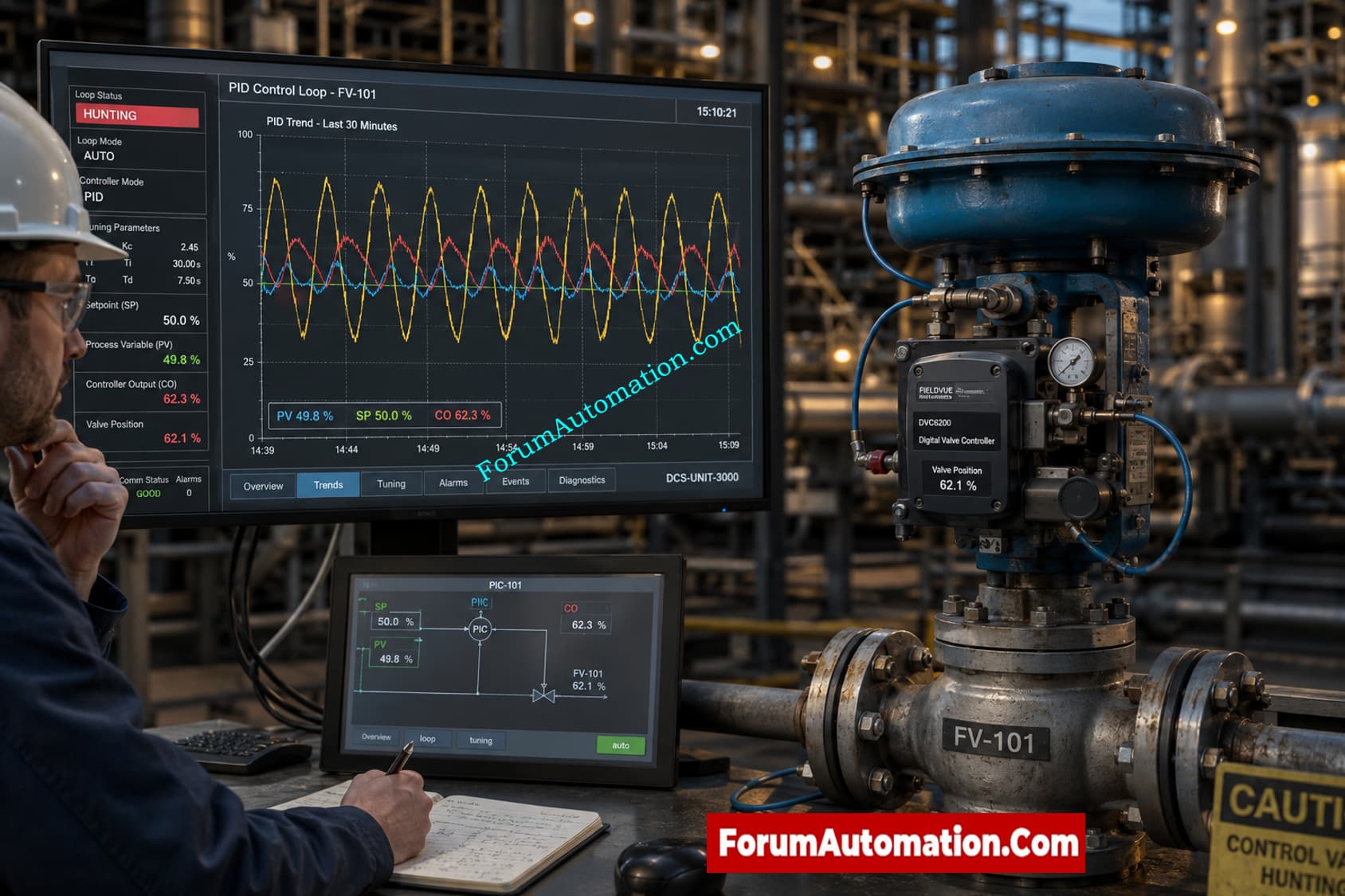
How do you troubleshoot a control valve that hunts only under automatic mode but behaves normally in manual?
A control valve that hunts only in automated mode but is steady in manual mode often points to a closed loop control problem rather than a significant mechanical failure. Troubleshooting should be focused on PID tuning, valve dynamics and process response characteristics
Step 1: Check PID Tuning
Excessive controller gain or too vigorous an integral action might produce sustained oscillation. Review recent tuning modifications, trend the Process Variable (PV), Setpoint (SP) and Controller Output (OP)
Step 2: Look for Valve Stiction
One of the most common causes of hunting is valve stiction. In many plants the controller output builds slowly until sufficient force overcomes friction and the valve abruptly jumps and overshoots. It goes back and forth in a repeated cycle.
Step 3: Verify Positioner Performance
Inspect:
- Valve travel feedback
- Positioner calibration
- Pneumatic supply pressure
- Actuator linkage condition
- Deadband and hysteresis
Step 4: Analyze Process Dynamics
Some loops become unstable because:
- Long process dead time
- Nonlinear process gain
- Oversized control valves
- Variable operating conditions
Diagnostic Trend Pattern
The classic stiction signature has:
- Sawtooth controller output
- Square-wave-like PV oscillation
- Repeating cycle period
This pattern is quite suggestive of mechanical friction rather than tuning alone.
Field Recommendation
Put the loop on manual and make modest adjustments to output. If you see delayed or jerky valve movement , check for stiction , packing friction , actuator problems , or positioner problems before retuning. Fixing hardware issues first typically delivers the most stable automatic control performance.